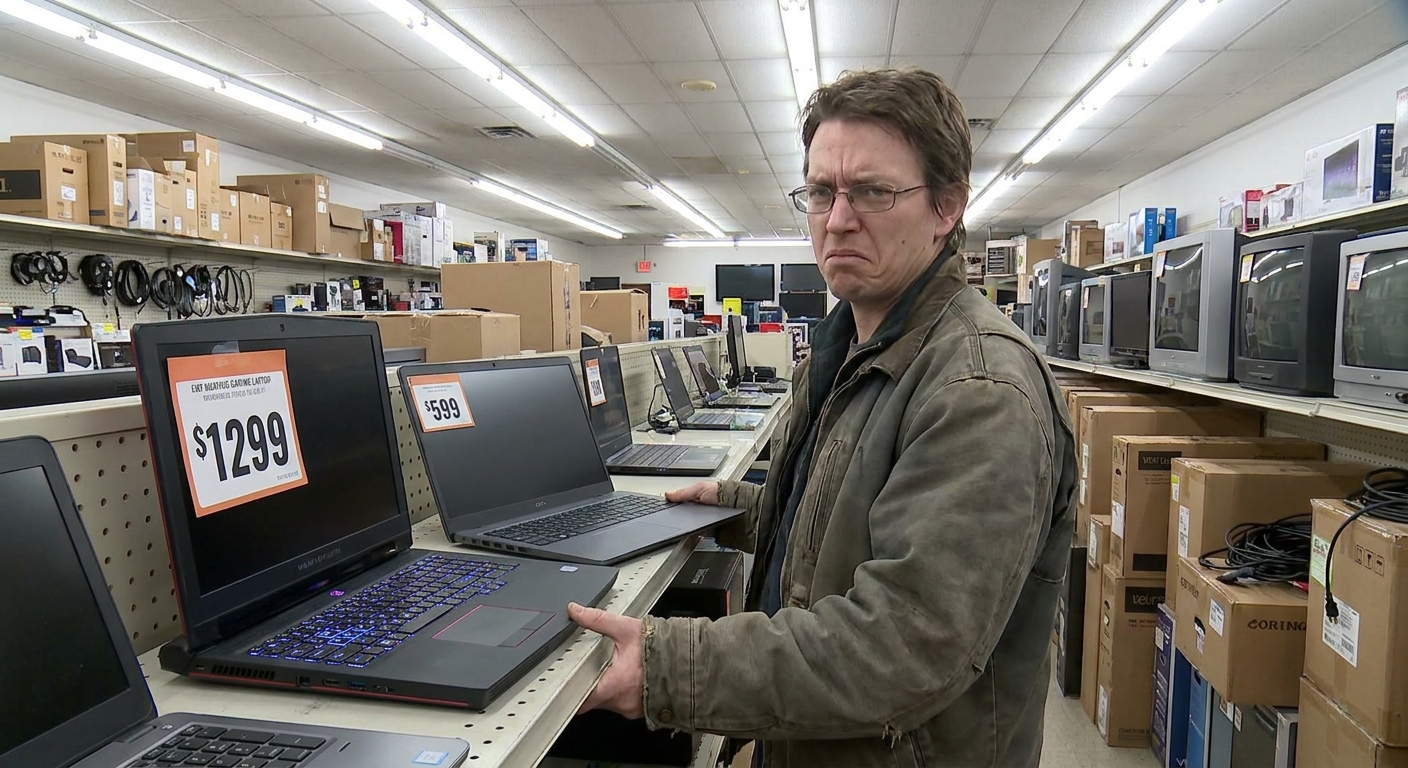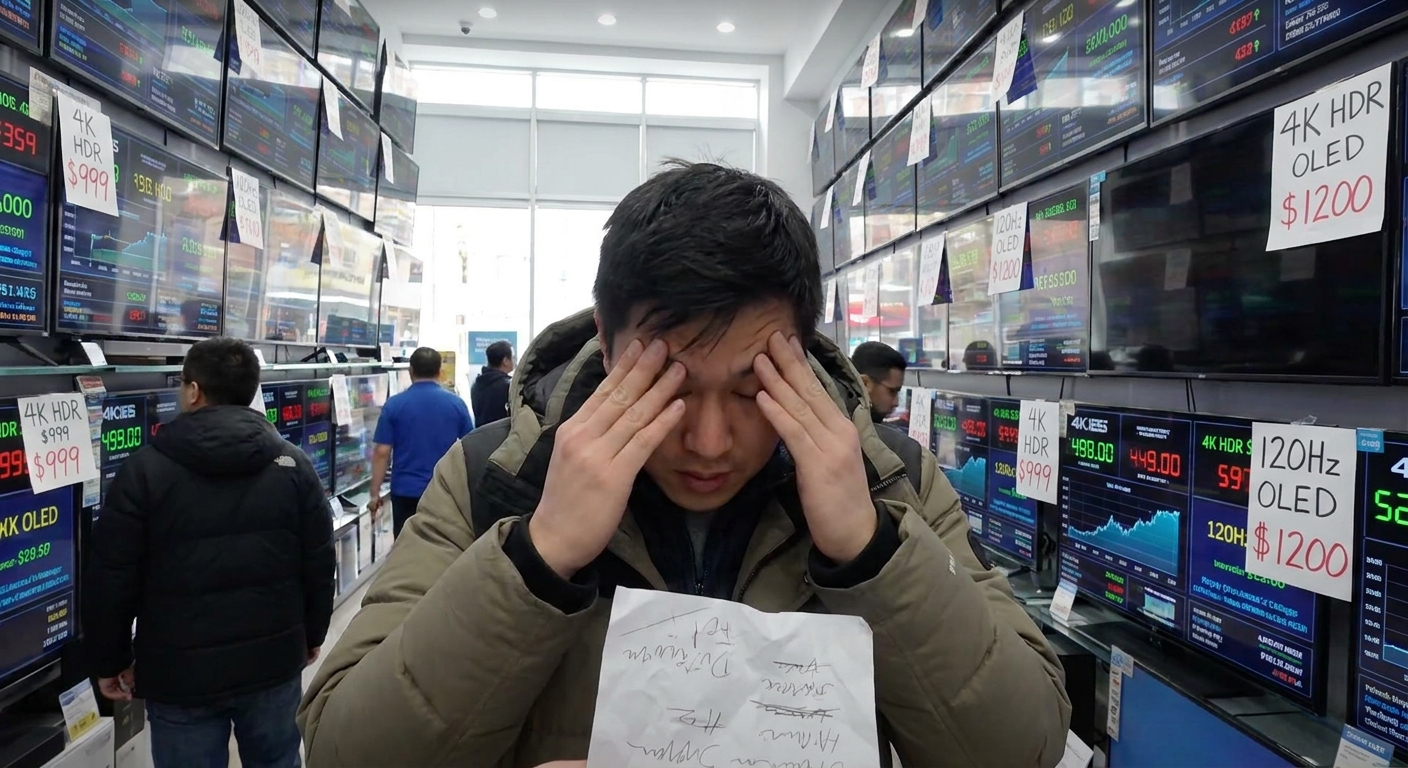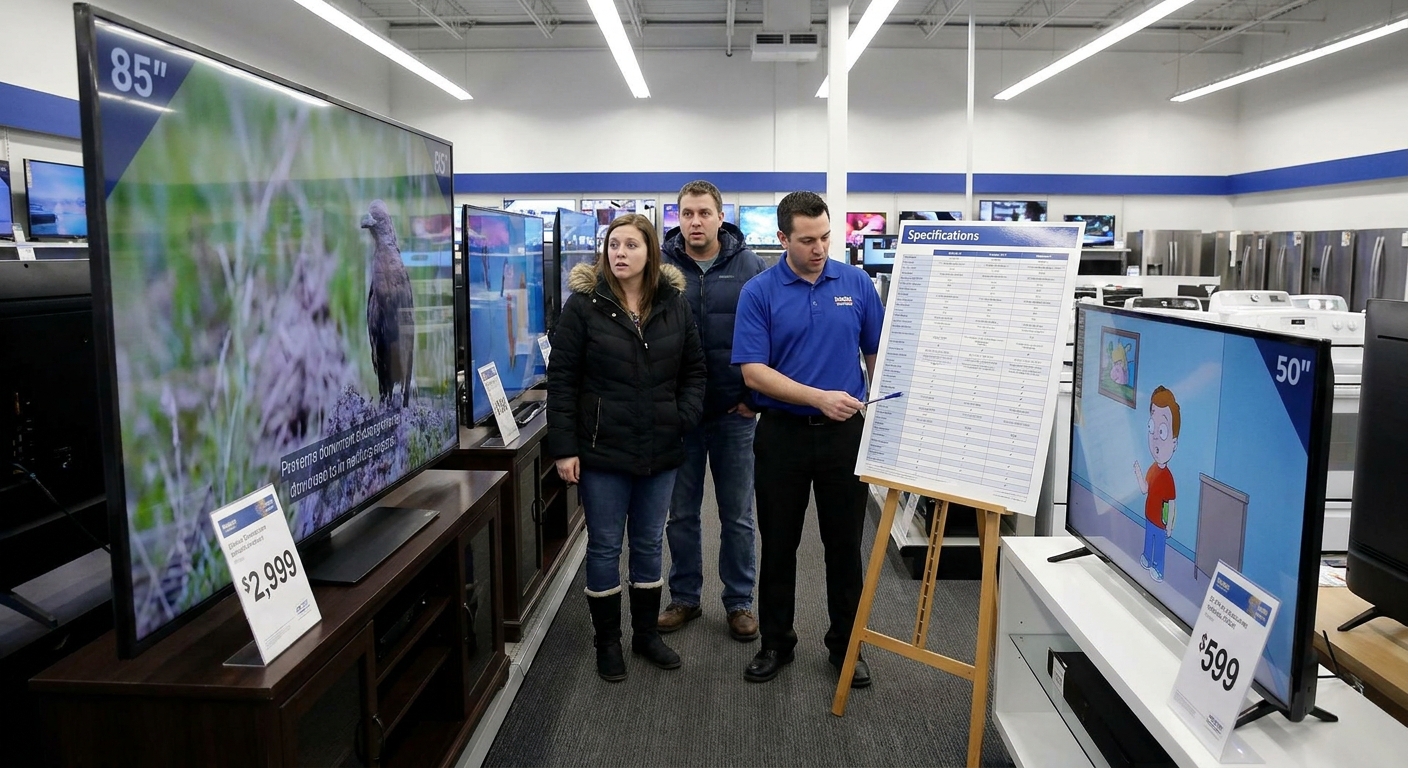
Walk into a store or scroll an online listing and every TV is:
Why Buying a TV Is Somehow More Confusing Than Movies
- “4K Ultra Mega HDR!”
- “AI picture engine!”
- “Cinema‑grade experience!”
Meanwhile, you just want:
- A screen that looks good in your room
- Apps that don’t lag like a decade‑old tablet
- A price that doesn’t feel like a car payment
Let’s break this down into decisions that make sense.
Step 1: Size vs Distance – Stop Guessing
You can get a TV that’s too small. Too big? Less common.
A simple rule:
- Measure your viewing distance in feet.
- For 4K, a rough sweet spot is screen size ≈ viewing distance (in inches) ÷ 1.5.
- ~7 feet away → around 50–55"
- ~9 feet away → around 60–65"
- ~10–11 feet away → 70"+
Examples:
If you’re debating between two sizes and they both fit on the wall/stand, go bigger.
Step 2: LCD vs OLED – The Real Difference
You’ll mostly see two types:
OLED
- Pros: Perfect blacks, great contrast, fantastic for dark rooms and movies.
- Cons: Pricier, especially at large sizes; long‑term static content can be a risk if abused.
LED / QLED / Mini‑LED (All LCD Variants)
- Pros: Brighter, generally cheaper, better for bright rooms.
- Cons: Blacks aren’t as deep, some blooming/haloing around bright objects.
- Dark room, movie lover, care about image quality? Try to stretch to OLED if budget allows.
- Bright living room, mixed use, news/sports all day? A good LCD / QLED is more than fine.
Simple rules:
Step 3: Resolution and Refresh Rate – What Actually Matters
Resolution
- Under 50": 4K is nice but not life‑changing at normal distances.
- 55" and up: 4K is standard and worth having.
Don’t waste time on 8K right now unless you enjoy burning money for invisible gains.
Refresh Rate
- 60 Hz – Fine for most people.
- 120 Hz – Noticeably better for sports and gaming; can improve motion.
If you’re a console gamer with a newer console, or you care a lot about smooth motion, 120 Hz is worth hunting for.
Step 4: HDR: The Land of Lies and Half‑Truths
Nearly every modern TV says it supports HDR. That doesn’t mean it does HDR well.
Real HDR needs:
- Good brightness
- Solid contrast
- Decent local dimming (for LCD)
Cheaper TVs with HDR logos usually just… accept the signal and show a slightly different image.
Translation: Don’t pay big extra just because HDR badges are on the box. Read reviews that talk about HDR performance specifically.
Step 5: Smart TV Platforms – Apps, Speed, and Annoyances
You’ll typically see:
- Brand‑specific OS (like webOS, Tizen, etc.)
- Google/Android TV
- Roku TV on some models
What matters:
- Are the apps you actually use (Netflix, YouTube, your local services) supported and smooth?
- Is the interface snappy, or does it lag and stutter?
- Buy a cheap streaming stick/box from your platform of choice and never touch the TV’s OS again.
If the built‑in smart system sucks:
Don’t base your entire TV choice on smart features alone—they age fast.
Step 6: Inputs and Gaming Features
Check the HDMI ports.
- If you have game consoles + soundbar + set‑top box, you want enough HDMI ports to avoid constant cable juggling.
- If you have a newer console or PC and care about performance, look for:
- Higher refresh support at 4K
- Variable Refresh Rate (VRR)
- Low‑latency or game mode
No need to memorize HDMI version numbers; just see if the manufacturer calls out gaming features clearly—and then verify with independent reviews.
Price Reality Check: What You Actually Get
Prices move constantly, but rough expectations:
- $250–$400:
- 43–50" basic 4K LCD
- Fine for casual viewing, not cinematic
- $400–$700:
- 50–65" decent 4K LCD/QLED
- Sweet spot for most living rooms
- $800–$1,200:
- 55–65" better panels, better processing, sometimes entry‑level OLED
- $1,300+:
- Larger OLEDs, higher‑end LCDs, better HDR, nicer everything
If someone tries to sell you a tiny 4K TV at big‑screen prices, you can politely laugh and walk away.
In‑Store vs Online: How to Judge Picture Quality Without Losing Your Sanity
In stores, every TV is cranked to “torch mode” under nuclear‑level lighting. Ignore:
- Overblown brightness
- Super vivid colors
- Demo loops that hide weaknesses
What to quietly check instead:
- Off‑angle viewing: Do colors/brightness die if you move sideways?
- Dark scenes: Any grayish blacks or obvious glowing?
- Motion: Look for trails around fast moving objects.
Online, lean on reviewers who show real photos/video comparisons in normal rooms, not just spec dumps.
Setup Tips So Your New TV Doesn’t Look Like a Cartoon
Out of the box, most TVs are set to impress on showroom floors, not your living room.
Do this on day one:
Switch Picture Mode
- Look for "Cinema", "Movie", or "Filmmaker" mode. - Avoid “Vivid” unless you like neon skin tones.
Turn Off Excess Processing
- Disable or reduce motion smoothing if you hate the soap opera effect. - Turn off heavy “noise reduction” for good sources.
Check Game Mode (if you game)
- Enable it for consoles/PC to reduce input lag.
Keep Brightness Reasonable
- You don’t need max brightness in a dim room. Your eyes will thank you.
Fast Shopping Checklist
Before you order anything, check:
- [ ] Size fits your space and viewing distance
- [ ] 4K resolution, 55"+ for main room if you can swing it
- [ ] Panel type fits your room (OLED for dark; solid LCD/QLED for bright)
- [ ] Enough HDMI ports for your devices
- [ ] Reasonable reviews for motion, HDR, and smart performance
If it fails more than two of these, skip it unless it’s dirt cheap and for a spare room.
Verdict: Buy the TV You’ll Forget About (In a Good Way)
The best TV is the one you stop thinking about after setup. It just shows your content, looks good, and doesn’t lag.
- For most people: a 55–65" mid‑range 4K LCD/QLED in the $400–$800 window is the current sweet spot.
- If you care about movies and dark‑room quality: save up and go OLED at 55" or 65".
- If you mostly watch daytime cable, sports, and streaming: a bright, decent‑contrast LCD is all you need.
Ignore half the buzzwords, trust balanced reviews, and remember: your couch position matters more than whether your TV claims "AI upscaling."