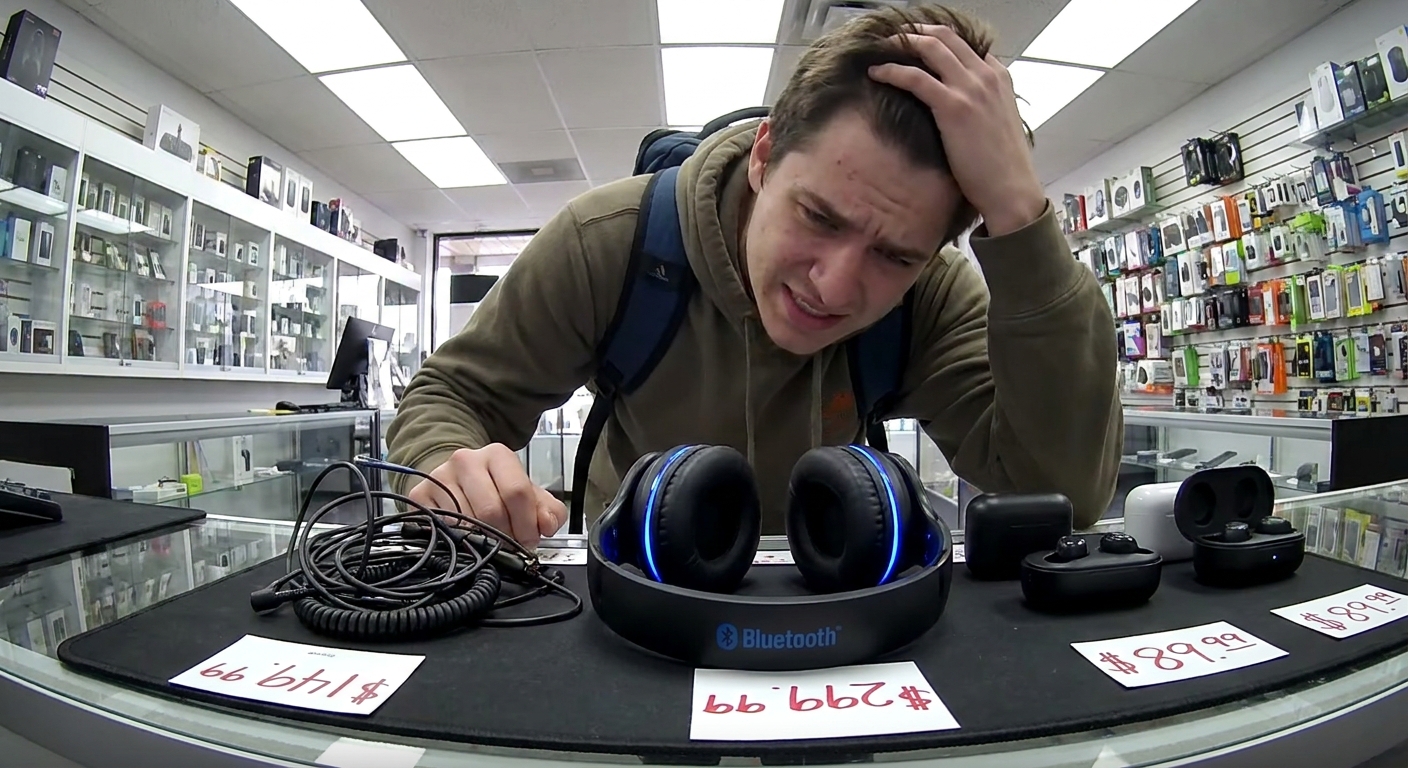
Every brand wants you to believe their $49 earbuds “redefine wireless freedom.” They don’t.
The Mess: Too Many Options, All “Premium” Somehow
Let’s cut through the buzzwords and answer the only real question: What should you actually buy?
We’ll break it down by:
- Use case (commute, gym, office, gaming, travel)
- Budget
- Pros and cons of wired vs wireless vs true wireless
- Concrete setup tips so your new gear doesn’t sound or behave like trash
Step 1: Admit How You Actually Use Headphones
Pick the one that sounds most like you:
- “I just need something for commuting and calls.”
- “I want gym headphones that don’t die or fall out.”
- “I work at a desk and live in meetings.”
- “I game, and lag or bad mic quality makes me insane.”
- “I fly or travel a lot and want some quiet.”
Keep that in mind as we go. That determines 90% of the decision.
Wired vs Wireless vs True Wireless: The Real Trade-offs
Wired Headphones/Earbuds
Price range: $10–$150+
Pros:
- No battery anxiety
- Zero latency for gaming and music production
- Cheap options can sound surprisingly good
- Plug in and go—no Bluetooth drama
- Cables snag on everything
- Many phones don’t have headphone jacks anymore
- Not great for workouts unless well-secured
- Gamers
- Musicians or audio nerds
- People with laptops/PCs with jacks and no patience for charging
Cons:
Good for:
Standard Wireless (On‑Ear/Over‑Ear Bluetooth)
Price range: $40–$300
Pros:
- Comfortable for long sessions
- Big drivers = fuller sound
- Often better mic quality for calls
- Some models offer wired fallback with a cable
- Bulkier than earbuds
- Sweat can be an issue at the gym
- Need charging every few days or more
- Office and home use
- Travelers
- Anyone who hates stuff jammed in their ear canals
Cons:
Good for:
True Wireless Earbuds
Price range: $30–$300
Pros:
- Tiny, portable, fit in pockets
- Great for commutes and workouts
- Many have ANC (active noise cancellation) now
- Easier to lose
- Battery degradation over time = shorter lifespan
- Mic quality is hit or miss, even in pricier sets
- Daily commuting
- Gym and running
- People who want minimal bulk
Cons:
Good for:
Use Case 1: Commuting and Calls
Your priorities: comfort, decent mic, OK sound, no cable drama.
Recommended type: True wireless earbuds or light on‑ear Bluetooth.
What to look for:
- Decent call quality (check reviews specifically on voice)
- At least 5–6 hours playback per charge
- A case that fits easily in your pocket or bag
- ANC if you’re on noisy buses/trains
- Transparency/Ambient mode so you don’t get hit by a bike crossing streets
- In your phone’s Bluetooth settings, rename your earbuds so you’re not guessing between “TWS‑12” and “BT‑Ear Pro”.
- Turn off touch controls if you keep mis-tapping them while adjusting fit.
Nice-to-have:
Setup tips:
Use Case 2: Gym and Workouts
Your priorities: secure fit, sweat resistance, no drama.
Recommended type:
- Sports‑oriented true wireless earbuds, or
- Wireless with ear hooks/neckband if you’re paranoid about losing buds
- Water/sweat resistance rating (often shown as “IPX4” or higher)
- Physical buttons > touch controls (sweat can confuse touch sensors)
- Compact case if you don’t want to carry a brick in your pocket
What to look for:
Blunt advice:
Don’t bring $300 luxury earbuds to deadlift day. Mid-range is the sweet spot here.
Setup tips:
- Pair your earbuds directly to your watch (if supported) to ditch the phone for runs
- Turn off extra sound enhancement features you don’t use—they often just kill battery faster
Use Case 3: Office, Meetings, and Focus
Your priorities: comfort, mic quality, noise control.
Recommended type:
- Over‑ear ANC headphones, or
- Good wireless headset with boom mic for calls
- Comfortable headband and earpads—try them on if you can
- Dual pairing (connect to phone and laptop simultaneously)
- Sensible physical controls (mute button, volume, answer/end)
- It won’t create a vacuum of silence, but it cuts out HVAC hum, key clacking, and office murmur enough so you’re less fried at 5 PM.
- In Zoom/Teams/Meet, explicitly select your headset mic and speaker—don’t trust “Default”
- Disable voice prompts like “POWER ON. BATTERY HIGH. CONNECTED TO ALEX’S LAPTOP.” if the app allows it. You know what you turned on.
What to look for:
Why ANC is worth it at the office:
Setup tips:
Use Case 4: Gaming
Your priorities: low latency, positional audio, clear mic.
Recommended type:
- Wired headset for PC and console
- Low‑latency wireless (often uses a USB dongle) if you hate wires
- Regular Bluetooth for competitive gaming—latency is noticeable and annoying.
- Comfortable for multi‑hour sessions
- Flip‑to‑mute or dedicated mute button
- Works on your target platforms (PC, PS, Xbox, Switch) without weird adapters
- In your game or OS, separate chat and game audio if possible and balance them
- Test mic levels with friends once and save that as your default profile
Avoid:
What to look for:
Setup tips:
Use Case 5: Travel and Planes
Your priorities: noise reduction, battery life, comfort.
Recommended type:
- Over‑ear ANC headphones if you fly often
- ANC earbuds if you pack light and want something pocketable
- Long battery (enough for a long flight + airport time)
- Option for wired use on planes if you forget to charge
- Foldable design and a hard case
- Download music or shows offline so you’re not at the mercy of airplane Wi‑Fi
- Use ANC + low volume instead of blasting audio to drown out engine noise
What to look for:
Setup tips:
When to Spend and When to Go Cheap
Spend more on:
- Comfort (especially for office, travel, long gaming sessions)
- ANC quality if you’re surrounded by noise
- Mic quality if you live in meetings or calls
- Gym earbuds that might get lost/trashed
- Backup wired sets for emergencies
- Obscure brands with suspiciously high review counts
- Claims of impossible battery life for the size
- Overuse of words like “gaming” and “pro” on $19 devices
Go mid‑range or budget on:
Red flags to avoid:
Quick Buying Cheatsheet
- Mostly phone calls + commute: Mid‑range true wireless with decent mic and some noise isolation.
- Gym first, everything else second: Sweat‑resistant earbuds with secure fit, don’t overpay.
- Desk job + meetings + open office: Over‑ear ANC or a good wireless headset.
- Serious gaming: Wired or low‑latency wireless headset with boom mic.
- Frequent flyer: Over‑ear ANC from a reputable brand, with wired fallback.
Verdict: Buy for Your Life, Not the Spec Sheet
Ignore the marketing poetry. Match the gadget to:
- How long you wear it
- Where you use it
- How much annoyance you’re willing to tolerate
If a $60 pair solves your problem better than a $250 pair, the $60 one is the better gadget. Simple as that.