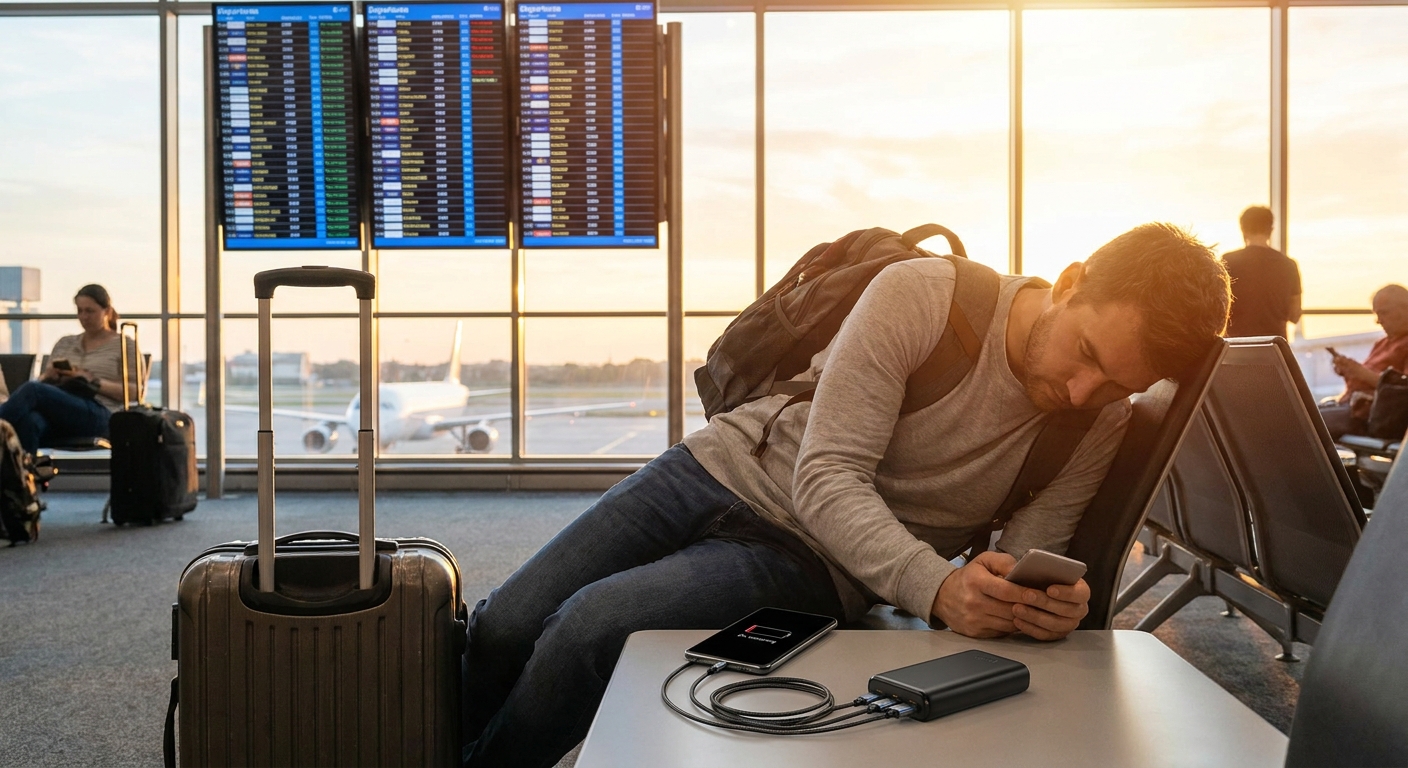
If your phone dies by 4 PM, it’s not always the phone’s fault. It’s often:
Your Phone Isn’t the Problem. Your Power Setup Is.
- A weak charger
- A tiny power bank from a conference swag bag
- Garbage cables
Let’s fix your entire charging ecosystem so you stop living at 12%.
We’ll cover:
- How big a power bank you actually need (without fake numbers)
- What kind of charger to buy for phones, tablets, and laptops
- How many cables you really need and in what lengths
- Specific setup habits that keep batteries alive longer
1. Picking the Right Power Bank Capacity
Ignore the marketing flexing gigantic numbers. Think in terms of how many full phone charges you want.
You’ll usually see numbers in milliamp‑hours (mAh). Real‑world rule of thumb:
- A typical smartphone: 1x to 1.5x smaller mAh number than your power bank in useful charges. Battery efficiency, voltage, and losses eat the rest.
Rough Capacity Guide
- 5,000–7,000 mAh
- Pocketable
- ~1 full phone charge
- Good for light users or emergency backup
- 10,000–12,000 mAh
- Still portable; fits in a pocket or small bag
- ~1.5–2 phone charges
- Sweet spot for most people
- 20,000 mAh and up
- Bag-only territory
- ~3–4 phone charges or top‑ups for tablets
- Good for travel, camping, or multiple devices
Blunt reality: If you never leave the city, a 10,000 mAh bank is probably all you need.
2. Output Power: Why Your “Fast Charger” Isn’t Fast
Not all USB ports are equal. Different devices support different fast‑charging standards, and your power bank/charger has to play nice.
You’ll usually see numbers in watts (W). Higher = faster, as long as the device supports it.
Simple Rules
- For most phones: 18–30W is plenty
- For tablets: 20–30W is comfortable
- For many modern laptops: 45–100W depending on model
If your brick says only “5V 1A” (5W): that’s the slow torture level of charging. Use it for headphones, not phones.
3. One Charger to Rule Most Things
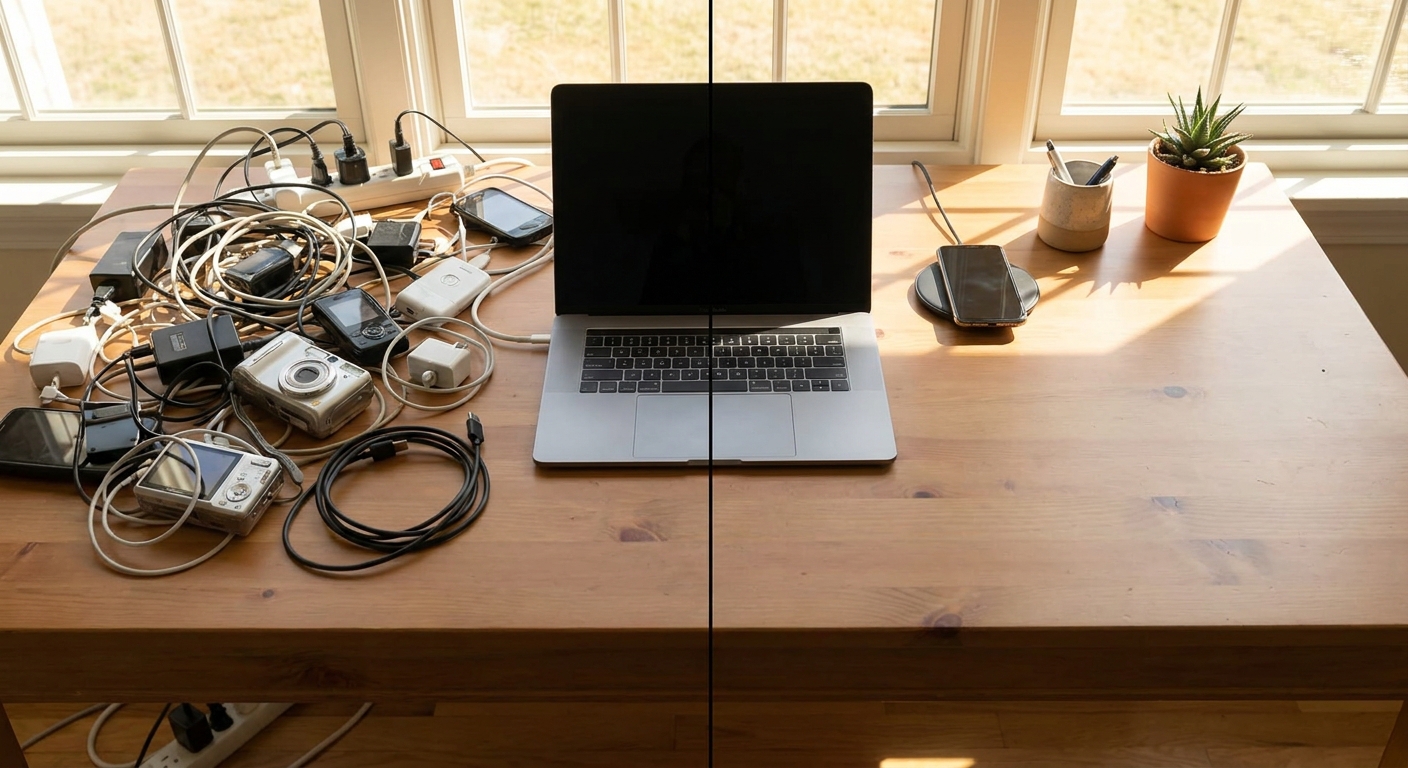
Instead of a drawer full of random bricks, buy one or two good multi‑port chargers.
What to Look For
- At least one USB‑C port with decent wattage
- Enough total output to charge multiple devices at once
- A brand that lists actual supported standards, not just “Super Mega Turbo Charge++”
Good setups:
- Home base charger (desk or nightstand)
- 2–3 ports total, at least one higher‑wattage USB‑C
- Enough juice to charge phone + tablet or laptop + phone overnight
- Travel charger
- Compact 2‑port or 3‑port brick
- Folding prongs if possible
- USB‑C is non‑negotiable at this point
4. Cables: The Boring Part That Always Fails First
Cables are where most people cheap out and then complain about “slow charging.”
How Many Cables You Actually Need
Bare minimum functional setup:
- 1 cable in your bag
- 1 at your main charging spot
- 1 spare somewhere predictable (office, car, or backpack)
So, 3 cables per device type is a nice stable place to be.
Lengths That Work in Real Life
- 0.5–1m (~1.5–3 ft): Desktop/bedside use
- 1.5–2m (~5–6.5 ft): Couch, weird hotel outlets, awkward plugs
Mix them. Don’t try to live on only 0.5m cables unless you enjoy hunching.
Signs of a Decent Cable (Without Lab Testing)
- Feels solid at the connectors
- Lists data and power capabilities clearly (e.g., “supports up to X W charging”)
- Comes from a brand you’ve heard of or that actually has a website
5. Everyday Charging Habits That Actually Matter
You don’t need to treat your battery like a museum piece, but a few habits help.
Do This
- Keep your phone between ~20% and 80% most of the time when possible. Don’t obsess, just avoid constantly running it to 0.
- Use slower chargers overnight if you have them; blazing fast isn’t required while you sleep.
- Keep devices out of direct heat (dashboard of a car, under pillows while charging, etc.). Heat is what really ages batteries.
Don’t Bother With
- Constantly force‑closing apps to “save battery” (usually makes things worse).
- Fully draining batteries daily on purpose. That was for older tech.
6. Power Bank Setup: How to Use It Without Thinking
Power banks are only useful if they’re charged and with you.
System That Works in Real Life
- Parking spot: Keep your power bank in your everyday bag. That’s home base.
- Weekly top‑up: Pick one day a week (e.g., Sunday night) to plug it in.
- Cable pairing: Keep a short cable attached or rubber‑banded to it.
This avoids the classic “I have a power bank but no cable” situation.
Quick Settings to Check
- Some banks have low‑power mode for earbuds and watches—enable it to avoid random disconnects.
- If it has a button + indicator LEDs, learn the pattern once: usually single tap = check level, long hold = turn special mode on/off.
7. Laptop Power: Don’t Drag the Brick Everywhere
Many modern laptops can charge over USB‑C, which is your ticket out of dragging a massive OEM brick.
Safer Play
- Keep the original charger at your main workspace.
- Use a decent USB‑C PD charger (with enough wattage) for travel and secondary spots.
Check your laptop’s recommended charger wattage and aim for that or slightly higher. Underpowering can mean it charges slowly or only maintains battery when under load.
8. Car Charging: Stop Using the $5 Gas Station Adapter
Your car is a great place to trickle charge. Or to fry cheap gear.
What to get:
- A compact car charger with at least one USB‑C port and one USB‑A port
- Enough power to charge your phone while using GPS and music
Pair it with a dedicated car cable you never remove. This stops your main cable migrating between house, office, and car like a nomad.
9. Minimalist vs Prepared: Pick a Style
You don’t have to be a cable hoarder, but you also don’t need to live at 5% battery.
Minimalist kit (phone-focused):
- 1× 10,000 mAh power bank
- 1× compact USB‑C charger (2 ports)
- 3× cables (2 short, 1 long)
- 1× 20,000 mAh power bank
- 1× solid multi‑port desktop charger
- 1× compact travel charger
- 5–6 cables in mixed lengths
- 1× car charger
Prepared kit (multi-device):
Verdict: Fix Power First, Then Buy Fancy Gadgets
A great phone with a terrible power setup is a bad everyday experience.
If you do nothing else:
- Buy a 10,000–20,000 mAh power bank from a real brand
- Get one good multi‑port USB‑C charger
- Own enough decent cables that you’re not constantly unplugging and relocating them
Your future self, stranded at 3%, will be very grateful you stopped trusting the free promo power bank from that conference three years ago.