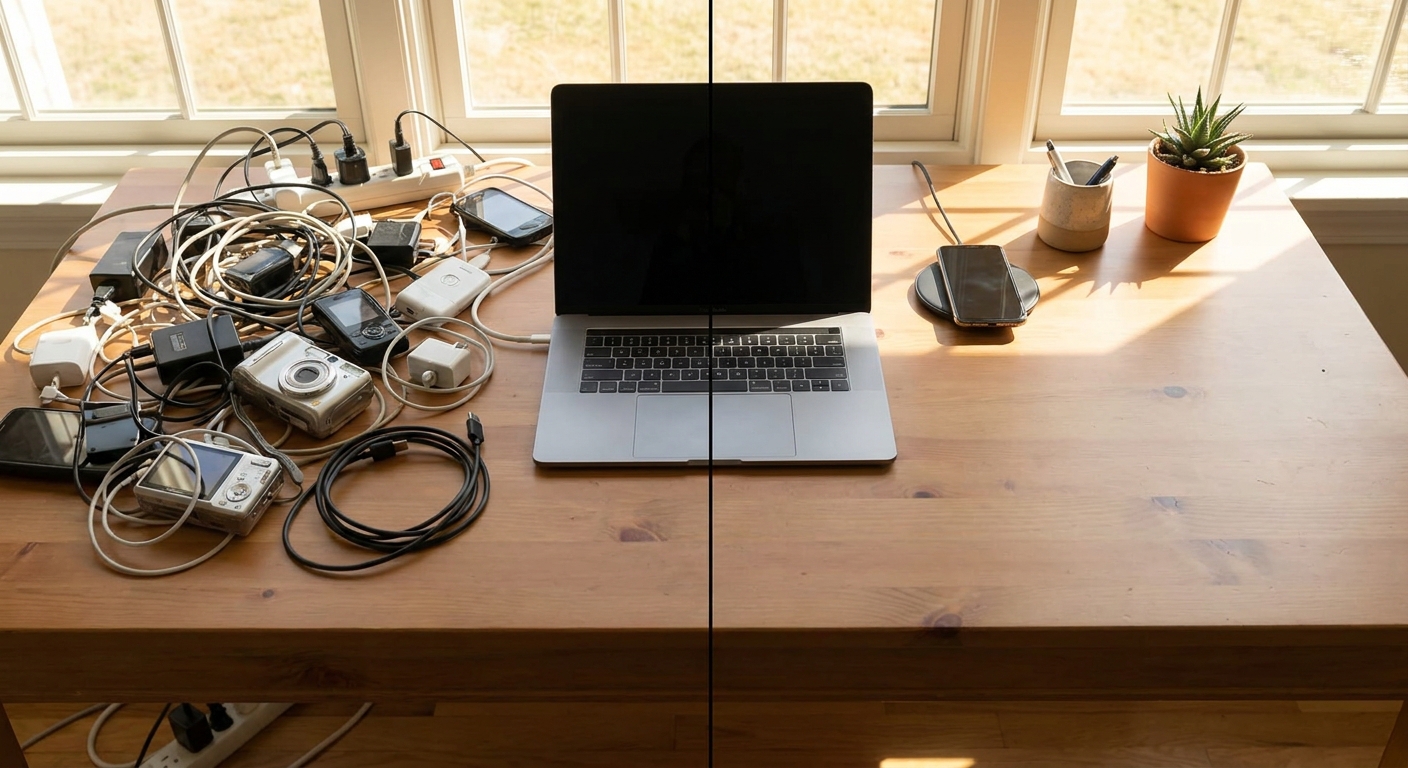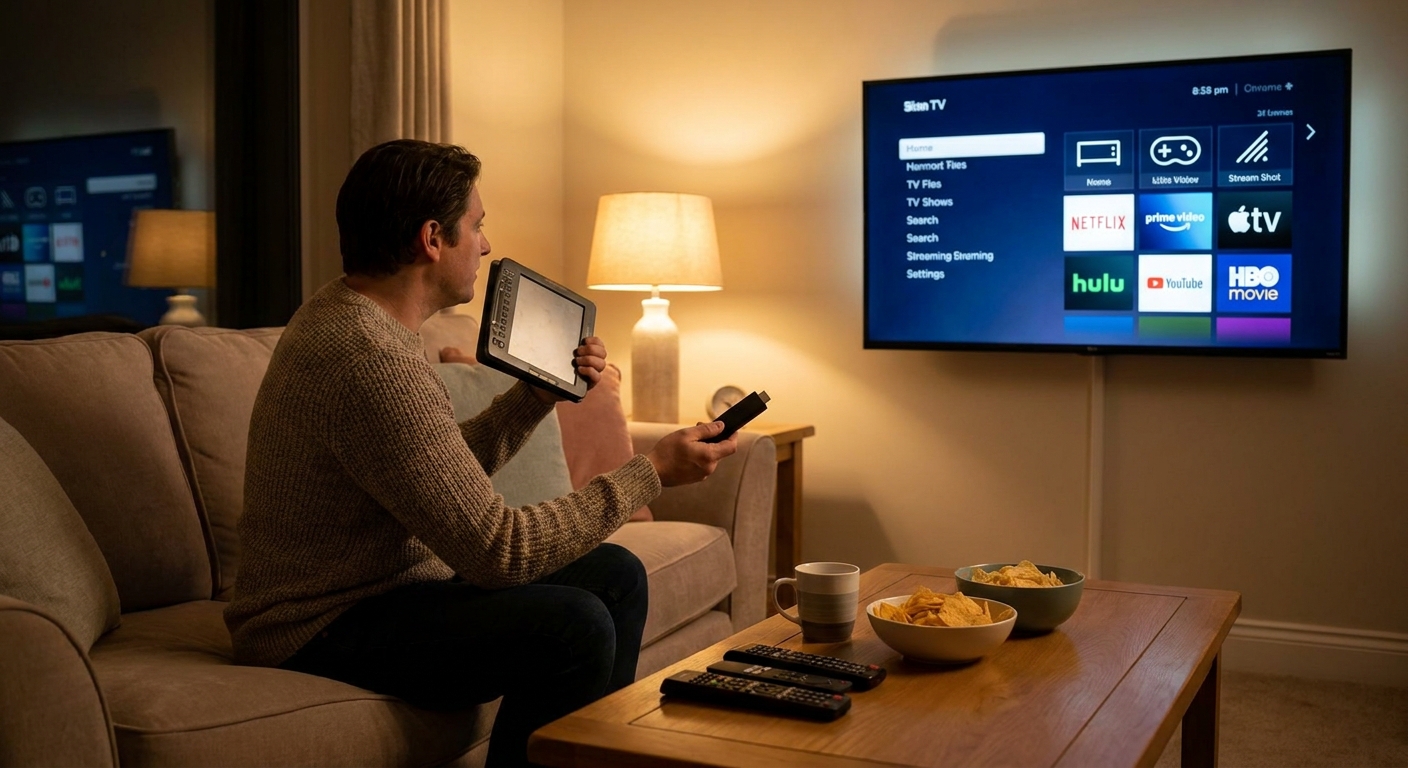
You’re not trying to win a cinema award. You just want:
You Don’t Need a Home Theater. You Need Something That Isn’t Annoying.
- Shows that start without 4 remotes
- A screen that doesn’t blind you at 2 AM
- Audio that doesn’t sound like a phone in a mug
- Budget TV vs smart TV vs streaming sticks
- Tablet vs laptop for watching stuff
- Simple audio upgrades that don’t require wire management therapy
Let’s build a sane entertainment setup using normal gadgets:
1. Smart TV vs Dumb TV + Streaming Stick
Modern TVs basically come in two flavors:
- Smart TV: Apps built in (Netflix, YouTube, etc.)
“Dumb” TV + streaming stick/box: TV is just a screen; apps live on the stick
Smart TV: Pros and Cons
Pros:
- One remote
- No extra box
- Fine if you only use a couple of popular apps
- TV manufacturers are terrible at keeping software updated long‑term
- Interfaces can be slow and ad‑filled
- When it gets laggy, you can’t just replace the “smart” part
Cons:
TV + Streaming Stick: Pros and Cons
Pros:
- Cheap, easy to replace the brains of the system
- Interface usually faster and cleaner
- You’re not locked into whatever half‑baked OS the TV shipped with
- One more device, one more input to select
- Another remote (unless your TV supports HDMI‑CEC nicely)
Cons:
Blunt advice:
If you’re buying new, get a decent smart TV and be willing to grab a streaming stick when the built‑in apps age badly. If you already have a non‑smart TV, a stick is the obvious move.
2. What Size TV Do You Actually Need?
You don’t need to overthink viewing angle charts. Basic rule:
- Small room, couch relatively close: 43–55 inches is fine
- Medium living room: 55–65 inches
- Large space / you sit far back: 65+ inches
Don’t bankrupt yourself for 4 extra inches of screen. Use that money on better audio instead.
3. Tablets vs Laptops vs “Watch on Your Phone Like a Goblin”
For solo watching or small spaces, the TV might not be the main screen.
Tablet for Entertainment
Price range: $200–$800+ depending on brand and screen quality
Pros:
- Lightweight and couch‑friendly
- Great for bed, travel, and kitchen use
- Battery life usually beats laptops
- Awkward for long typing or work tasks unless you add accessories
- Some apps have weird tablet layouts
Cons:
Laptop for Entertainment
Pros:
- Works for both binge‑watching and actual work
- Bigger screens than most tablets in the same price range
- Fans can kick in mid‑episode
- Heavier and hotter on your lap
- Battery life under constant streaming isn’t always great
Cons:
Phone As Primary Screen
Look, you’ll do it anyway. Just don’t pretend it’s comfortable for a 3‑hour movie.
Tip: Get a basic phone stand ($5–$15). It instantly makes phone‑watching 10× less stupid.
4. Audio: The Easiest Way to Make Everything Feel More Expensive
TV speakers still mostly sound like they’re shouting through a cereal box.
Three Simple Audio Upgrade Options
Soundbar ($70–$300+)
- Lean back, plug one cable in, enjoy. - Many support HDMI ARC/eARC (audio return from the TV) so one remote controls volume.
Powered bookshelf speakers ($100–$300+)
- Better stereo separation and music quality. - Slightly more cables, but still manageable.
Use the headphones you already own
- For apartments, late‑night watching, or thin walls. - Either wired to the TV (if it has a jack) or paired over Bluetooth.
Setup priority:
Fix audio before stressing about HDR standards. You’ll notice better sound more than slightly punchier highlights.
5. Streaming Stick Setup: Do This on Day One
Whatever device you buy (Roku, Fire TV, Apple TV, Chromecast, etc.), don’t just plug and pray.
1. Create a Clean Home Screen
- Uninstall or hide the junk apps you’ll never touch
- Move your primary streaming services to the first row
- Turn off autoplay previews if the settings allow (saves sanity)
2. Fix Display Settings
- Set resolution to match your TV’s native resolution. Don’t bother forcing 4K on a 1080p TV.
- Turn off over‑aggressive motion smoothing on the TV if things look like soap operas.
3. Lock Down Purchases
If kids or drunk roommates exist:
- Add a PIN for rentals/purchases
- Disable one‑click buying where possible
6. Internet and Streaming Quality: You Can’t Out‑Gadget Bad Wi‑Fi
If your video looks like it’s being streamed through a potato, it might be your Wi‑Fi.
Quick Fixes Before Buying New Hardware
- Move your router out of closets and cabinets.
- Put it roughly central in your home if you can.
- Avoid stacking it under other electronics.
If your TV is near the router, use a wired Ethernet cable. It’s boring but rock solid.
If you’re on Wi‑Fi:
- Use the 5 GHz network if your router has dual‑band and the signal is still strong.
- Don’t run massive downloads while trying to stream in 4K.
7. Low-Budget, High-Value Entertainment Combos
Scenario A: Tiny Apartment, Almost No Money
- Keep your existing non‑smart TV or monitor.
- Add a budget streaming stick.
- Use your existing Bluetooth headphones for late‑night viewing.
Scenario B: Shared Space, Mixed Use
- Mid‑range smart TV in the living room.
- Basic soundbar for watchable audio.
- A tablet for private watching in bed or while others use the TV.
Scenario C: Single Person, No TV
- Skip the TV altogether if you don’t care about a giant screen.
- Get a nice tablet or laptop with a good display.
- Pair it with wireless headphones for movies and games.
8. Night Mode: Stop Blasting Your Eyes Before Sleep
Late‑night watching doesn’t need to feel like staring into a welding torch.
TV Settings to Change
- Turn down backlight/brightness at night. Many TVs have a preset for this (often called Movie/Cinema mode).
- Turn off or reduce blue‑heavy picture modes labeled things like “Vivid” or “Dynamic.”
Device Settings
- On tablets/phones/laptops, enable Night Shift / Night Light / Blue Light Filter in the evening.
- Use auto scheduling (sunset to sunrise) and forget about it.
You’ll sleep better than if you binge in maximum daylight mode at midnight.
9. Remote Control Sanity
You don’t need 5 remotes.
- Check if your TV and soundbar support HDMI‑CEC. This often lets one remote power everything on/off and control volume.
- If your streaming stick app offers phone remote control, set it up as a backup. It’s a lifesaver when the physical remote vanishes into the couch void.
Verdict: Aim for Effortless, Not Impressive
Gadgets for entertainment should feel invisible. They should not:
- Demand firmware updates every movie night
- Make you juggle inputs like a DJ
- Sound like a laptop speaker screaming in a tunnel
If you’re building or fixing your setup:
- Decide if a TV or a tablet/laptop will be your main screen.
- Make sure streaming is handled by one reliable device (TV OS or a stick).
- Upgrade audio before obsessing over display buzzwords.
- Tame brightness and blue light for late nights.
Once it’s set, stop tweaking and actually watch something. That’s the whole point.