You don’t need another “smart” mug that texts you when your coffee is sad.
The Problem: You’re Drowning in Useless Gadgets
You need gear that:
- Saves you time
- Works every single day
- Doesn’t turn into drawer clutter in 3 months
Let’s build a practical, no-nonsense gadget setup for real life. Not Instagram life.
We’ll cover:
- What to actually buy for phone, laptop, audio, and smart home
- Typical price ranges
- Pros and cons
- Concrete settings to change on day one
- When to spend and when to buy the cheap stuff
1. The Only Three Gadgets Most People Truly Need
If your budget is limited, start here and ignore everything else:
A reliable phone
A decent laptop or tablet (depending on your work)
Good headphones or earbuds
Everything after that is nice to have, not must-have.
1. Phone: Don’t Overpay for Specs You’ll Never Use
Good enough for most people:
- Mid‑range Android: Typically $300–$500
- Last‑gen iPhone: Usually cheaper once a new model drops
- Cameras are “good enough” for social media
- Batteries often last longer than the ultra‑thin flagships
- You’re not paying an extra $400 for 3% better photos
- You shoot a lot of video
- You game heavily on mobile
- You keep phones 4–5 years and want longer software support
- Turn off Always-On Display if battery life sucks
- Disable auto-playing video previews in social apps
- Limit background app refresh for non-essential apps
Why mid‑range is fine:
When to go high‑end:
Day-one settings to change:
These three tweaks alone can buy you 1–3 extra hours of battery.
2. Laptop vs Tablet: Pick One, Don’t Half-Commit
If you write, code, or use spreadsheets: Get a laptop.
If you mostly consume content, browse, read, and email: A tablet might be enough.
Typical price ranges:
- Budget laptops: $400–$700 (fine for web and office work)
- Mid‑range laptops: $800–$1,200 (better screens, faster, last longer)
- Tablets: $300–$800 plus keyboard if you actually type
- Real keyboard: typing doesn’t suck
- Full desktop apps: fewer weird app limitations
- Better for anything with files, exports, and multitasking
- Lightweight, great battery
- Perfect for content consumption and reading
- Great for digital note-taking with a stylus
Pros of a laptop:
Pros of a tablet:
Blunt take:
If you’re even thinking about using it for work, get a laptop. Tablets make fine sidekicks, not main machines.
Key setup tips for laptops:
- Turn on Night Light / Night Shift to save your eyes
- Set auto updates to install outside working hours
- Use cloud sync (Drive, iCloud, OneDrive) for documents so a dead laptop doesn’t kill your work
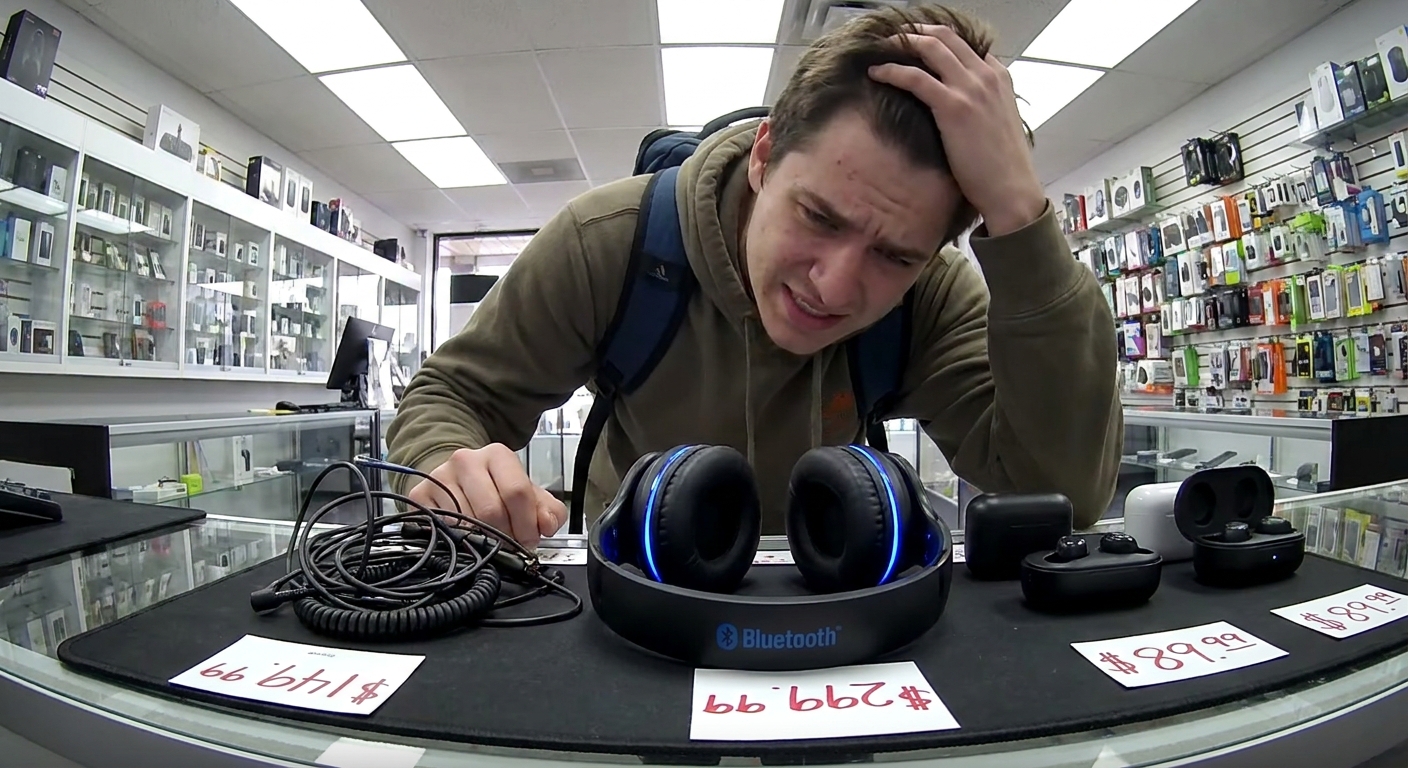
3. Headphones/Earbuds: Stop Suffering Through Garbage Audio
If you wear them daily, this is worth spending on.
Typical ranges:
- Budget wireless earbuds: $30–$70
- Mid‑range ANC earbuds: $100–$200
- Over‑ear ANC headphones: $150–$300
- Earbuds: portable, good for commutes and workouts
- Over‑ear: more comfortable long-term, better noise cancelling, better sound
- Use the EQ in your audio app (Spotify, Apple Music, etc.)
- Try: Slight bass boost, slight treble lift, midrange mostly flat
- Turn volume limit on if you listen for hours a day
- If available, run the app’s fit test so your earbuds don’t sound like AM radio in a tin can
Earbuds vs Over‑ear:
Settings worth tweaking immediately:
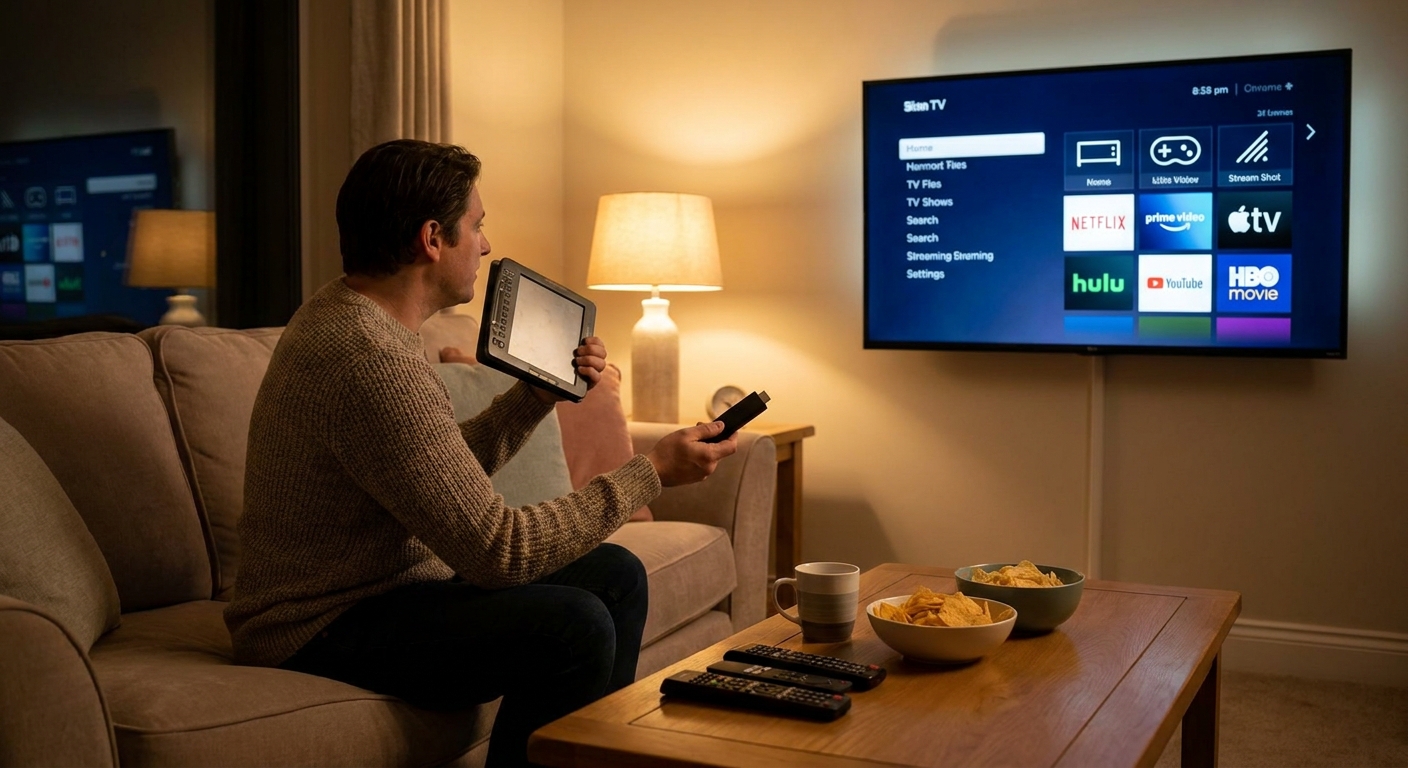
2. Smart Home Gadgets: Where to Start (and Where to Stop)
Yes, smart homes are cool. No, you don’t need Wi‑Fi forks.
Start with These Three
Smart plugs ($10–$20 each)
- Use them for lamps, fans, cheap coffee makers. - Schedule lights to turn on before sunset or when you wake.
Smart bulbs ($10–$40 each)
- Color is fun; warm white is practical. - Dim lights at night, bright white in the morning.
Smart speaker/display ($40–$200)
- Voice commands for timers, music, weather, and smart home control. - Optional screen for recipes, video calls, and cameras.
Do NOT start with:
- Smart fridge
- Smart oven
- Anything that becomes annoying or dangerous if the app glitches
Basic Automation Setup (That’s Actually Useful)
Example setup using common ecosystems (Google Home, Alexa, HomeKit–agnostic idea):
Good Morning scene
- Time: 6:30–7:30 AM on weekdays - Actions: - Turn on bedside lamp to 30% warm white - Turn on kitchen light - Optionally power on coffee machine with a smart plug
Leaving Home scene
- Trigger: You tap a button on your phone or a smart button by the door - Actions: - Turn off all lights - Turn off fan/space heater smart plugs
Night mode
- Time: 10:30 PM or voice trigger (“Good night”) - Actions: - Turn off living room lights, leave bedroom to 10–20% - Turn off any non‑essential plugs
This gives you real convenience, not just bragging rights.
3. Fitness Gadgets: Watch vs Band vs Phone Only
You don’t need a $400 watch to go for a walk. Your phone already tracks steps.
Reasonable options:
- Fitness band: $30–$80 (steps, sleep, heart rate)
- Smartwatch: $150–$400 (notifications, GPS, apps, more sensors)
- You just want step count and sleep tracking
- You hate charging stuff constantly
- You run/cycle and want GPS without a phone
- You like seeing notifications without pulling out your phone
- You care about heart rate during workouts
- Turn off 90% of default notifications
- Set realistic fitness goals (no, you’re not suddenly doing 20k steps)
- Enable auto‑pause for workouts so your commute doesn’t count as a run
Get a fitness band if:
Get a smartwatch if:
Day-one setup priorities:
4. Accessories That Are Actually Worth It
1. Power Bank
Price: $20–$60 depending on capacity.
Look for:
- Enough capacity to charge your phone 1.5–2x
- At least one fast-charging output that matches your phone’s supported standards
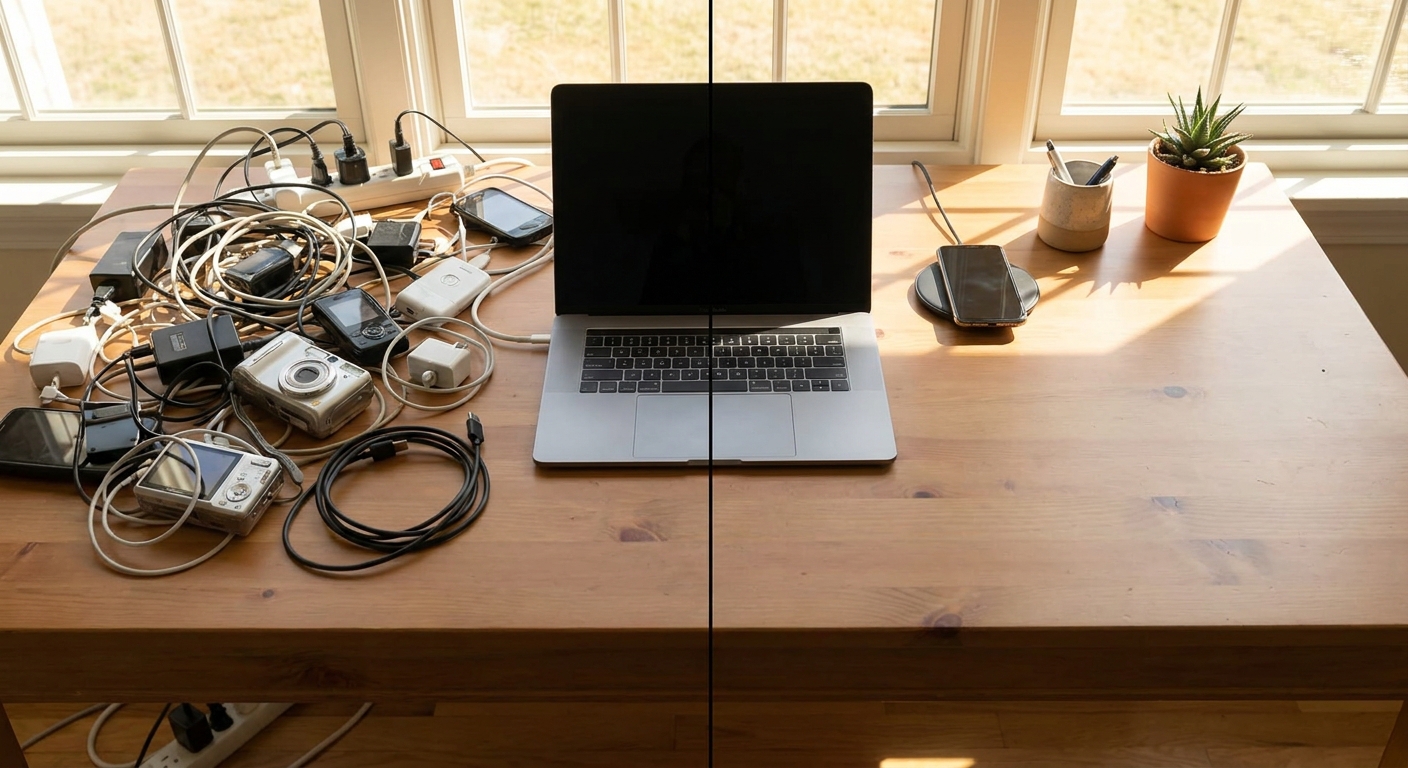
2. Decent Charger and Cable
The $4 no-name charger isn’t a bargain if it cooks your battery.
- Use chargers from known brands or your phone/laptop brand
- Get a spare cable for your bag. You will forget the main one at some point.
3. Laptop Stand and External Keyboard
Total: usually under $80 together.
- Saves your neck and wrists
- Makes even a cheap laptop feel more usable for long sessions
5. How to Avoid Useless Gadget Purchases
Before you buy anything, ask:
Will I use this at least three times a week in a month?
Does it replace something, or is it just more stuff?
What’s the boring failure mode? (What happens when it breaks or its cloud service dies?)
If you can’t answer those cleanly, close the tab.
Verdict: Build a Boringly Reliable Setup, Not a Toy Museum
You don’t need a smart everything. You need a few devices that:
- Work every day
- Don’t demand constant fiddling
- Actually improve how you live and work
If you’re starting from scratch:
- Get a solid mid‑range phone.
- Buy a grown‑up laptop if you work on a screen.
- Upgrade to comfortable, decent headphones/earbuds.
- Add a small smart home starter (plugs, bulbs, speaker) if you like automation.
- Only then, consider wearables and extras.
Less flash, more function. Your future self—and your bank account—will be happier.