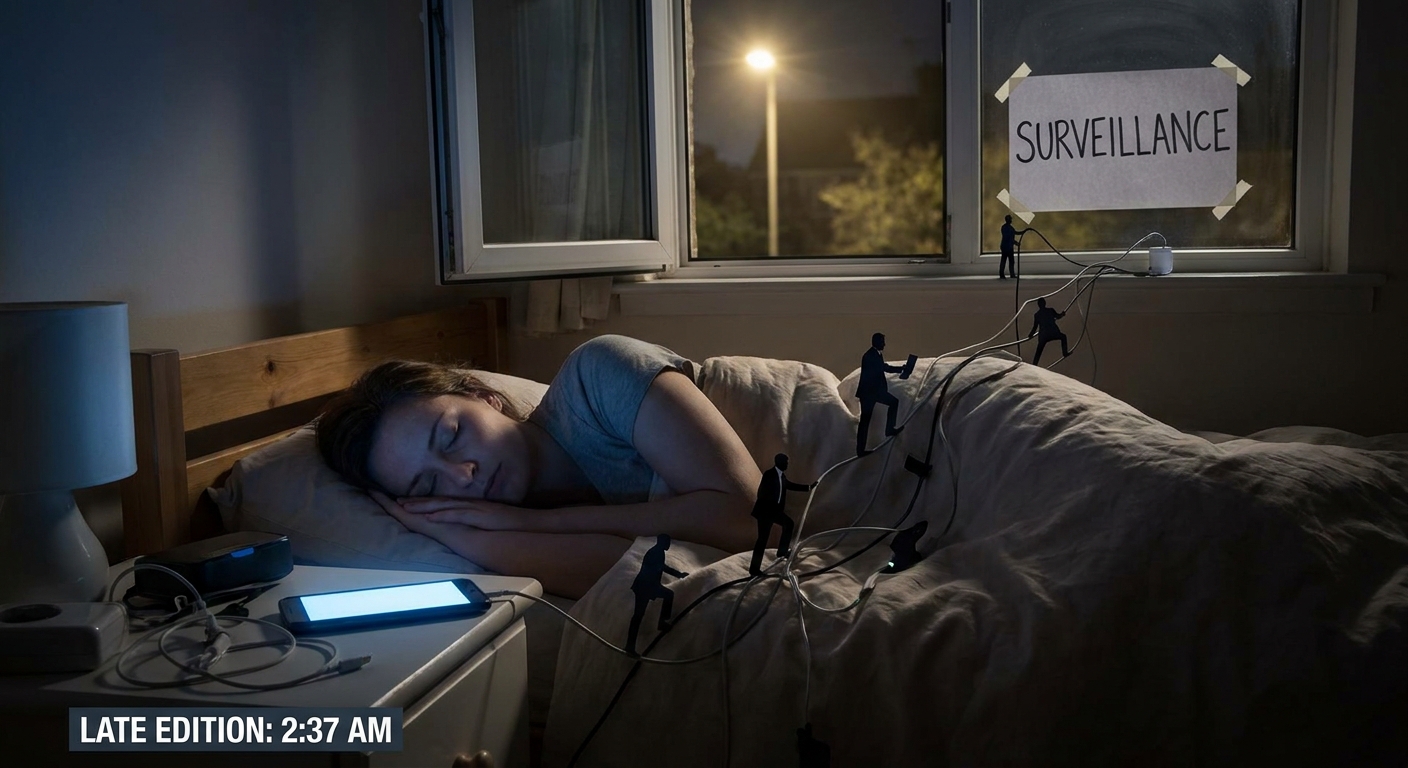
Most privacy advice sounds like you need to throw your phone in a lake and move to the woods. Meanwhile, you just don’t want:
You Don’t Need to Vanish. You Just Need to Shut the Door a Bit.
- Your employer reading your weekend.
- Your insurance company profiling your health from your posts.
- Data brokers building a creepy dossier on your life.
You don’t need perfect privacy. You need private enough — realistic habits that cut out the worst data leaks without nuking your social life.
This is that playbook.
Step 1: Tame Your Social Media Before It Outs You
Social platforms are surveillance with like buttons. Your default settings are built for maximum exposure, not your comfort.
- Set your account to Private: Settings → Privacy.
- Turn off Activity Status so people can’t see when you were last online.
- Limit who can tag you or mention you.
- Hide your story from specific people if you must overshare selectively.
- Set default post audience to Friends (or tighter).
- Lock down your profile info: hide your friends list, birthday, relationship status, and employer from public view.
- Turn off face recognition if it’s still offered.
- Limit past posts: there’s literally a “limit past posts” option — use it.
TikTok
- Switch your account to Private if you’re not trying to go viral.
- Turn off personalized ads and interest-based recommendations where possible.
- Restrict who can comment, duet, or stitch your videos.
Blunt verdict: If anyone with a URL can see your job, city, family, and hobbies, you’re basically handing out a cheat sheet for phishing and stalking.
Step 2: Stop Giving Data Brokers a Free Meal
Data brokers collect and sell your info: addresses, family, interests, sometimes more. They buy from apps, sites, public records.
You can’t erase yourself completely, but you can make it more annoying for them.
Email & Phone Hygiene
- Use two email addresses at minimum:
- One for serious stuff (banking, taxes, important logins).
- One for random signups, newsletters, and junk.
- For bonus points, use email aliases so you know who sold your data when spam starts.
- Don’t spray your main phone number everywhere. If you can, use:
- A secondary number (VoIP, work line) for non-critical stuff.
Opting Out (The Boring But Useful Part)
Some data brokers let you opt out:
- You can search your name on major people-search sites and follow their opt-out processes.
- There are paid services that do this for you if your time is worth more than your tolerance for filling forms.
It’s not perfect. But every removal is one less easy dossier on you.
Step 3: Location: Stop Broadcasting Your Every Move
Location data is catnip for advertisers, stalkers, and anyone trying to profile you.
App-Level Fixes
- Switch most apps’ location permission to “While using the app” or “Ask every time.”
- Weather apps, maps, and ride-sharing need location. Random wallpaper apps do not.
System-Level Fixes
- Turn off Location History / Timeline style features on major accounts.
- Disable Bluetooth scanning / nearby device scanning if you don’t actually use it.
Social Location
- Don’t post in real-time from your house.
- Delay posting geotagged photos until after you leave.
- Avoid tagging your exact home location, ever.
Blunt verdict: There’s no reason for three dozen companies to know where you sleep unless you explicitly want that.
Step 4: Messaging: Pick Who You Trust With Your Drama
Not all chats are equal.
Use Encrypted Apps for Anything That Would Embarrass You on a Billboard
- Signal: excellent default choice, minimal data retention.
- WhatsApp: encrypted, but metadata and backups are a concern.
- iMessage: solid between Apple devices, less so when SMS enters the chat.
- Turn on disappearing messages for sensitive chats.
- Disable message content previews on lock screen.
- Turn off backup of message content to cloud where possible.
Settings that help:
What Not to Do
- Don’t send passwords, passport photos, or financial info over plain SMS.
- Don’t dump extremely sensitive stuff into random DMs on platforms that live off ads.
Step 5: Browsing: Assume Every Page Wants a Piece of You
Your browser is where a ton of passive data leaks happen.
Minimum viable setup:
- Use Firefox or Brave (or add uBlock Origin to Chrome/Edge).
- Enable strict tracking protection or equivalent.
- Block third-party cookies.
- Searching health stuff.
- Looking up sensitive topics.
- Planning surprises for people you live with.
Use private/incognito windows when:
Incognito isn’t invisibility — your ISP, employer, and some sites still see plenty. It just stops your local browser from hoarding everything.
Step 6: Cloud Sync: Convenience With Boundaries
Cloud services make everything easy to access and easy to leak.
Files & Photos
- Don’t dump every document you’ve ever created into a single service.
- Separate:
- Personal but low-risk (vacation photos, recipes)
- High-risk (IDs, contracts, health docs)
- For high-risk stuff, consider:
- Encrypted archives (password-protected zip with strong key).
- Zero-knowledge or end-to-end-encrypted storage for the most sensitive files.
Account Settings
For major accounts (Google, Apple, Microsoft):
- Review what’s being synced: contacts, calendar, search history, audio recordings.
- Turn off anything you don’t need synced across devices.
Step 7: Work vs. Personal: Don’t Cross Streams
If your company gives you a laptop or phone, assume it’s monitored.
Basic Rules
- Don’t use your work email for personal signups.
- Don’t log in to personal social accounts on locked-down work machines if you care about separation.
- Don’t store personal documents on work cloud drives.
- Consider separate browser profiles or even separate browsers entirely for work vs. personal.
- This makes it harder for accounts to bleed into each other and for one compromise to hit everything.
If you’re a power user:
Step 8: Photos: Metadata, Backgrounds, and Other Unforced Errors
When you post a photo, you’re not just showing your face. You’re sometimes also showing:
- Your location (via EXIF GPS data).
- Your surroundings (home layout, valuables in frame).
- Other people who didn’t consent to a broadcast.
Practical Tweaks
- Many social networks strip EXIF data on upload, but don’t count on it.
- On your phone, you can usually disable location tagging for the camera app.
- Crop or blur backgrounds if they show sensitive stuff (license plates, house numbers, kid’s school logo, etc.).
Power User Moves (When You Want Extra Quiet)
If you’re ready to go a step beyond:
- Use a privacy-focused search engine (DuckDuckGo, Startpage) as default.
- Run your browser in a hardened profile with fewer fingerprintable features.
- Use separate email aliases per service through your provider.
- Block known tracking domains at the DNS level using a Pi-hole or similar.
Not mandatory for normal humans, but nice if you’re privacy-curious.
The “Private Enough” Baseline Checklist
If you do nothing else, do this over the next week:
- Lock down social account privacy and limit public profile info.
- Switch location permissions to “while using” or “ask” for most apps.
- Move sensitive chats to an encrypted messenger and enable screen-lock on it.
- Install a decent ad/tracker blocker and stop using stock browser defaults blindly.
- Use at least two emails: one serious, one junk.
- Stop posting your life in real time with precise location.
Final Verdict: You Don’t Need to Be a Ghost, Just Not a Gold Mine
Perfect privacy doesn’t exist. You use phones, apps, maps, and social networks, so you leave traces. That’s life.
The goal isn’t to be untraceable. It’s to:
- Make casual profiling harder.
- Limit how much of your life is permanently searchable.
- Keep your future self from cringing at today’s oversharing.
Dial things back a few notches. Close some doors. Use the tools that exist. You’ll still be online — you’ll just stop handing over your whole personality for free.